
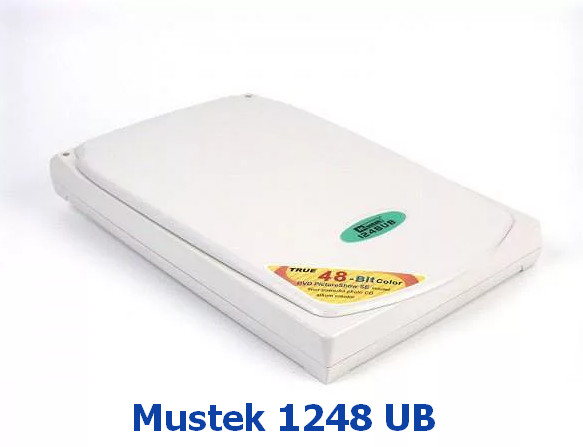
Mustek 1248 UB Scanner Driver 1.2, 1.0.0.0
Driver package for Windows XP–10, 32-bit & 64-bit. Released Feb 27, 2020.
- Manufacturer
- Mustek
- Version
- 1.2, 1.0.0.0
- Release date
- Feb 27, 2020
- Windows
- Windows XPWindows VistaWindows 7Windows 8Windows 8.1Windows 10
- Architecture
- 32-bit & 64-bit
- Size
- 24.7 MB
- Hardware IDs
- 1 supported (see list)
- Category
- Scanners › Mustek
Download
Mustek1248UB.exe
How to install
- Check that this is the right driver. Open Device Manager (right-click the Start button), right-click your device, choose Properties and look at "Hardware Ids" on the Details tab. The value should match one of the supported IDs below (more about hardware IDs).
- Run the downloaded
.exefile as administrator and follow the setup wizard. - Restart the computer and check that the device no longer shows a yellow warning sign in Device Manager.
Windows 11 is not listed by the manufacturer, but drivers made for 64-bit Windows 10 usually work on Windows 11 as well.
Supported hardware IDs
This driver package declares support for 1 device ID. Open an ID to see every driver available for that device.
| Hardware ID | Device |
|---|---|
| USB\VID_055f&PID_021f | Mustek Systems, Inc. SNAPSCAN e22 |
Other drivers for this hardware
| Driver | Version | Date | Windows |
|---|---|---|---|
| AGFA SnapScan Touch Scanner Drivers | FC, 1.0.0.1 | Apr 22, 2009 | Windows XP, 7 |