
Smart Systems in Home Appliances: Intelligence Serving Comfort
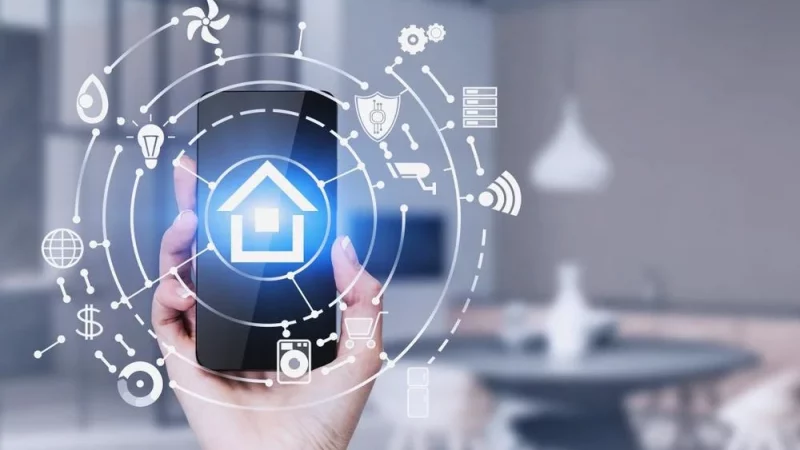
Smart home appliances are not just devices with displays but machines equipped with built-in Wi-Fi or Bluetooth, sensors, and software. They can collect data, self-learn, optimize performance, interact with the user through a mobile app, and integrate into a unified Smart Home system.
About Us
If you notice a malfunction that persists after restarting or cannot restore your smart appliance yourself, do not risk expensive equipment. We offer professional and fast repair – same day appliance repair in Charlotte NC. Our specialists can quickly diagnose and fix both hardware and software issues.
Types of Smart Appliances
Smart features can be found in almost every appliance category. Below are the most common examples and their capabilities:
Laundry Care (Washing and Drying Machines)
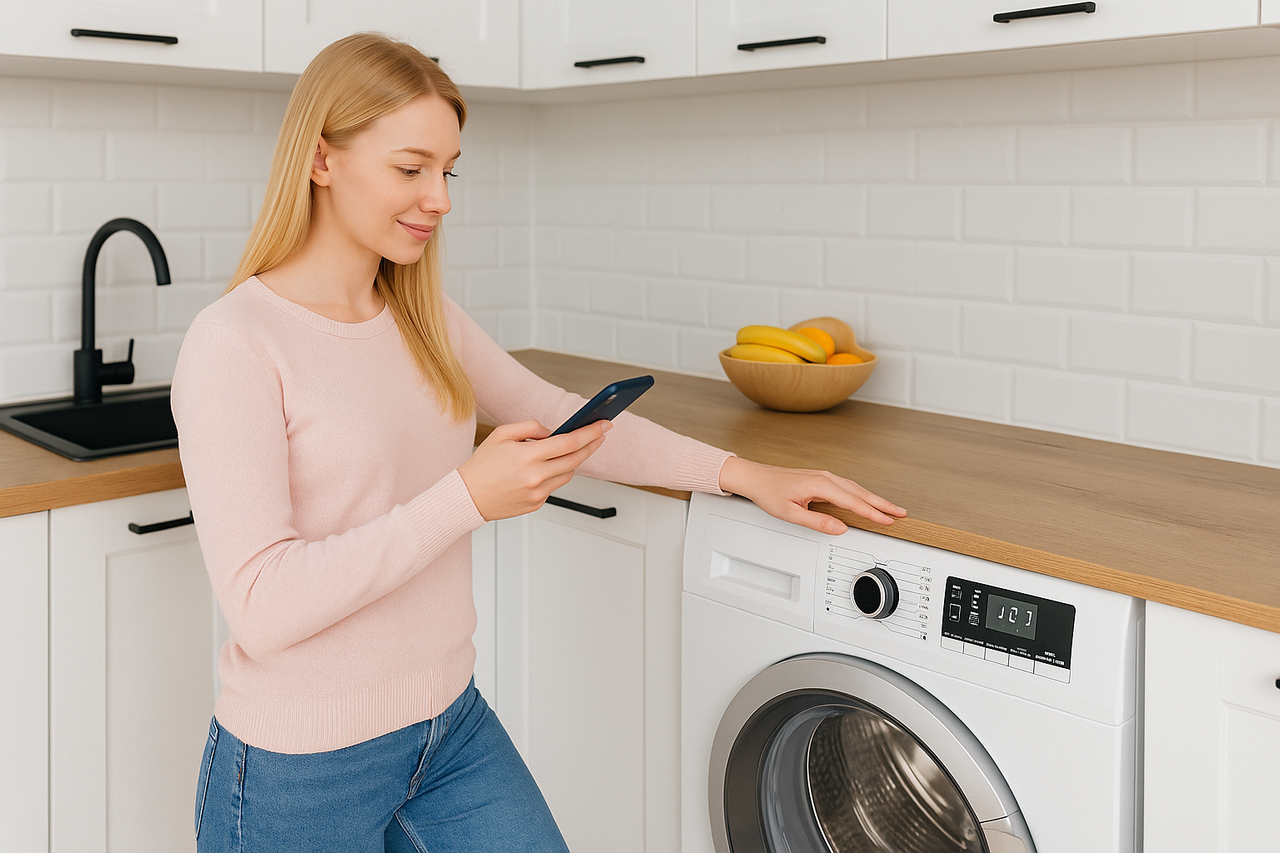
Smart washers and dryers (for example, with LG ThinQ or Samsung AI Control technologies) allow you to start cycles remotely, automatically calculate detergent dosage, and choose optimal drying settings based on fabric type. You will always receive a notification when the cycle ends.
Refrigeration Equipment (Refrigerators)
Modern refrigerators (such as Samsung Family Hub and LG InstaView) come with internal cameras. This feature allows you to check the contents of your fridge through a mobile app while at the store, receive reminders about product expiration dates, and create shopping lists.
Kitchen Appliances (Ovens, Coffee Machines)
Smart kitchen devices (for example, Bosch Home Connect ovens) offer remote start and temperature control, automated cooking programs for complex recipes, and notifications when the dish is ready.
Climate Control Equipment (Air Conditioners, Air Purifiers)
These devices let you control the indoor climate remotely before you arrive. They can automatically monitor and adjust air quality while optimizing energy consumption.
Cleaning Equipment (Robot Vacuums)
Robot vacuums map your space, allowing you to zone cleaning areas. You can manage them through an app, integrate with voice assistants, and send them to charge automatically.
What Can Go Wrong and What to Do: First Diagnostic Steps
Smart appliance problems usually fall into two categories: software issues and hardware malfunctions. In most cases, you can try to fix the issue yourself before calling for service.
Software and Connectivity Issues
If the device works but fails to connect to Wi-Fi or the mobile app does not function properly, try the following:
-
Check power and connection: Make sure the appliance is turned on and the Wi-Fi router is functioning.
-
Restart the device: Turn the appliance off and unplug it for 5–10 minutes, along with the router. This may reset temporary errors.
-
Reinstall the app: Delete and reinstall the manufacturer’s mobile application.
-
Check Wi-Fi: Ensure the device is within the Wi-Fi coverage area and that your router supports the 2.4 GHz frequency (most smart appliances use it).
Sensor and Mechanical Issues
If an error is related to the process (for example, the washing machine does not fill with water), check these basic components:
-
Sensors: Clean optical or moisture sensors (for example, in a dryer or robot vacuum).
-
Filters and hoses: Check the pump filter (in washing machines), drain hoses, or detergent drawer for blockages.
When You Need Repair and Professional Assistance
If basic troubleshooting did not help or the problem is clearly hardware-related, contact an authorized service center.
-
The appliance does not turn on: This is the clearest sign of a serious malfunction, often indicating a burnt control board or power supply failure.
-
Continuous blinking indicators or repeated beeping: If the error signal persists after rebooting, it points to a system fault.
-
Physical damage: Burning smell, smoke, or visible damage to the casing or display.
-
Complex errors: If the display or app shows an error that requires a specialist’s intervention (for example, motor, compressor, or sensor-related problems).