
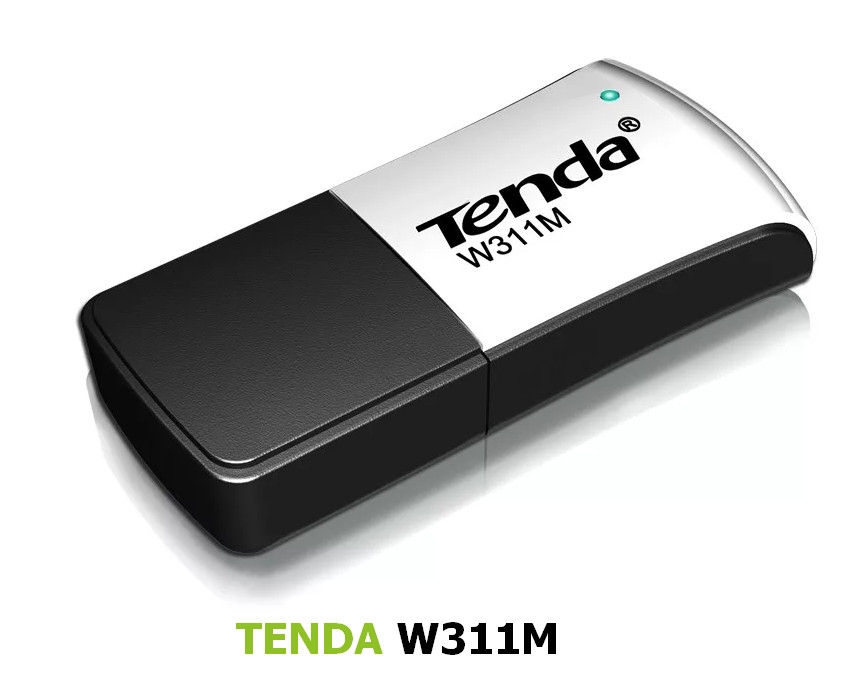
Tenda W311M/W311MA 3.0, 2.0, 1.0
Driver for Windows XP–10, 32-bit & 64-bit. Released Jul 1, 2016.
- Manufacturer
- Tenda
- Version
- 3.0, 2.0, 1.0
- Release date
- Jul 1, 2016
- Windows
- Windows XPWindows VistaWindows 7Windows 8Windows 8.1Windows 10
- Architecture
- 32-bit & 64-bit
- Size
- 245.9 MB
- Hardware IDs
- 4 supported (see list)
- Category
- Wi-Fi adapters › Tenda
Download
W311M_Driver_win10.zip
W311M_V3.0.zip
W311MA_V3.0.zip
IS_Setup_ICS_081414_1.5.38.101.zip
Tenda_USBdriver_v3.0.exe
setup.zip
How to install
- Check that this is the right driver. Open Device Manager (right-click the Start button), right-click your device, choose Properties and look at "Hardware Ids" on the Details tab. The value should match one of the supported IDs below (more about hardware IDs).
- Run the downloaded
.exefile as administrator and follow the setup wizard. - If you downloaded an archive, extract it to a folder. If the folder contains
setup.exeorinstall.exe, run it as administrator. - If there is no installer, right-click the device in Device Manager, choose Update driver, then "Browse my computer for drivers", select the extracted folder (leave "Include subfolders" ticked) and click Next.
- Restart the computer and check that the device no longer shows a yellow warning sign in Device Manager.
Windows 11 is not listed by the manufacturer, but drivers made for 64-bit Windows 10 usually work on Windows 11 as well.
Supported hardware IDs
This driver package declares support for 4 device IDs. Open an ID to see every driver available for that device.
| Hardware ID | Device |
|---|---|
| USB\VID_148F&PID_7601 | Ralink Technology, Corp. MT7601U Wireless Adapter |
| USB\VID_148F&PID_5370 | Ralink Technology, Corp. RT5370 Wireless Adapter |
| USB\VID_148F&PID_3370 | Ralink Technology, Corp. RT3370 Wireless Adapter |
| USB\VID_148F&PID_3070 | Ralink Technology, Corp. RT2870/RT3070 Wireless Adapter |
Other drivers for this hardware
| Driver | Version | Date | Windows |
|---|---|---|---|
| MediaTek / Ralink USB Wireless Lan Drivers | 5.01.35.0, 5.01.34.0 | Jan 10, 2018 | Windows XP–10 |
| MediaTek Wireless LAN Card | 5.01.28.1, 5.01.28.0 | Jul 15, 2016 | Windows XP–10 |
| 802.11n USB Wireless LAN Card | 5.01.26.0, 5.01.25.0 | Apr 5, 2016 | Windows XP–8 |
| Ralink 802.11n Wireless LAN Card | 5.1.25.0 | Oct 28, 2015 | Windows XP–10 |
| D-Link DWA-160 C1A USB Wireless Adapter Driver | 3.04 | Sep 29, 2015 | Windows XP–10 |
| MediaTek Wireless LAN Card Driver for China Wi-Fi | 5.01.17.0000 | Jun 27, 2014 | Windows XP–7 |
| LB-Link BL-WN151, BL-WN155A USB Wi-Fi Adapter Driver | 5.01.09.0000 | Nov 21, 2013 | Windows XP–8 |
| AirTies Air2210/2310/2315/2410/2411/2610 USB WiFi Adapter Driver | 1.0.1.0 | Jan 17, 2014 | Windows XP–8 |
| AirTies Air2210/2310/2315/2410/2411 USB WiFi Adapter Driver | 2.0.0.62, 5.100.68.46, 3.01.08.0001 | Apr 20, 2011 | Windows XP–7 |
| TP-LINK TL-WN727N | 181026 | Nov 10, 2019 | Windows XP–10 |
| LB-Link BL-WN1140AH USB Wireless Driver | 5.01.16.0000 | Jun 6, 2014 | Windows 7, 8 |
| Tenda U2 | 1.0.0.2 | Jun 30, 2017 | Windows XP–10 |