
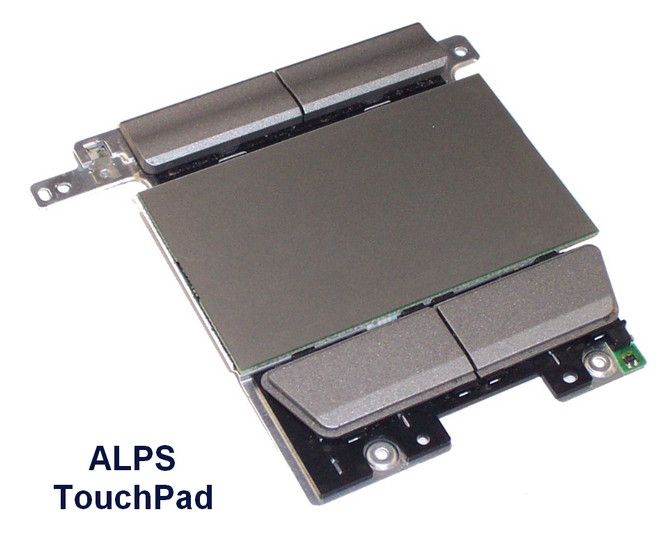
ALPS TouchPad Controllers Drivers for HP 10.1201.1717.108
Driver package for Windows 7–10, 32-bit & 64-bit. Released Feb 18, 2020.
- Manufacturer
- ALPS
- Version
- 10.1201.1717.108
- Release date
- Feb 18, 2020
- Windows
- Windows 7Windows 8Windows 8.1Windows 10
- Architecture
- 32-bit & 64-bit
- Size
- 24.2 MB
- Hardware IDs
- 4 supported (see list)
- Category
- Touchpads › ALPS
Download
Touchpad_Alps_10.1201.1717.108_HP3.zip
How to install
- Check that this is the right driver. Open Device Manager (right-click the Start button), right-click your device, choose Properties and look at "Hardware Ids" on the Details tab. The value should match one of the supported IDs below (more about hardware IDs).
- Extract it to a folder. If the folder contains
setup.exeorinstall.exe, run it as administrator. - If there is no installer, right-click the device in Device Manager, choose Update driver, then "Browse my computer for drivers", select the extracted folder (leave "Include subfolders" ticked) and click Next.
- Restart the computer and check that the device no longer shows a yellow warning sign in Device Manager.
Windows 11 is not listed by the manufacturer, but drivers made for 64-bit Windows 10 usually work on Windows 11 as well.
Supported hardware IDs
This driver package declares support for 4 device IDs. Open an ID to see every driver available for that device.
| Hardware ID | Device |
|---|---|
| ACPI\ALP000A | |
| ACPI\ALP000B | |
| ACPI\ALP000C | |
| ACPI\AUI0000 |
Other drivers for this hardware
| Driver | Version | Date | Windows |
|---|---|---|---|
| ALPS TouchPad Driver for HP | 8.1202.1711.104 | Sep 1, 2017 | Windows 7–10 |
| ALPS TouchPad Driver for Dell | 10.3201.101.108 | Aug 21, 2017 | Windows 7, 8.1, 10 |
| Alps TouchPad Controllers Driver for Toshiba | 10.100.303.238 | May 11, 2017 | Windows 7–10 |